
This document is a quick start guide for Philips DVDR3570H and DVDR3590H DVD recorders, which introduces the items in the packaging box and functions such as recording, copying, and playback.
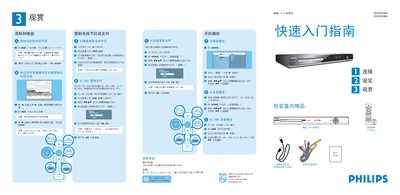
The manual describes the steps to load media files from a USB drive (MP3, WMA, DivX, JPEG) onto the machine or its internal HDD, and how to start, stop, pause, or resume recording. It also covers the use of the HOME button, STOP function, and the various recording modes (HG, SP, SPP, LP, EP, etc.) with their corresponding recording times.
Connection options are detailed, including HDMI, CVBS, AUDIO, and ANTENNA IN ports, as well as how to use the TV‑OUT and AUDIO‑OUT connectors for playback. Safety notes and installation instructions are provided to ensure proper setup and operation of the disc‑carving device. This manual is written in Chinese.
You can load MP3, WMA, DivX and JPEG files from a USB drive for recording.
Press the STOP button on the controller before the recording time ends.
Yes, use the CVBS OUT or AUDIO OUT connectors on the back of the unit to connect to a TV or audio system.