
TL-WN821N Wireless N USB Adapter
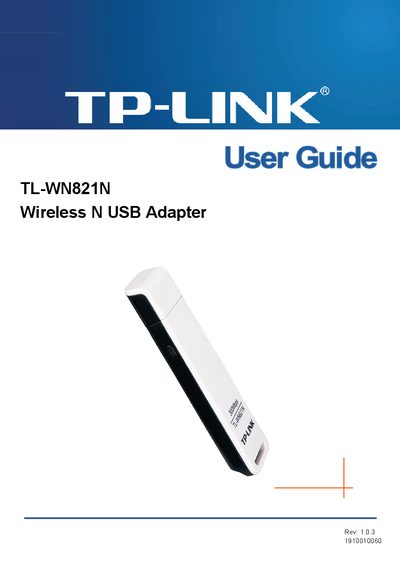
The TL-WN821N is a wireless N USB adapter that adds high‑speed 802.11n connectivity to notebooks and PCs. It supports up to 300 Mbps throughput, dual‑antenna MIMO, and WPA/WPA2 security.
This guide covers package contents, hardware and software installation, Windows XP configuration, push‑button and PIN setup methods, FCC and EU regulatory statements, and a glossary of wireless terms.
| Maximum data rate | 300 Mbps |
|---|---|
| Antenna configuration | 2x2 MIMO (two internal antennas) |
| Supported wireless standards | IEEE 802.11n, 802.11g, 802.11b |
| Interface | USB |
The package should contain one TL-WN821N adapter, a quick installation guide, a USB cable, and a resource CD with the wireless client utility and drivers.
Run the software installation section in Chapter 2, which provides step‑by‑step instructions for installing the driver and the TP‑Link Wireless N Client Utility on Windows XP.
The adapter can achieve up to 300 Mbps throughput when using 802.11n.