
TD-8840 user guide, introduce the features and characteristics of the ADSL2+ modem router
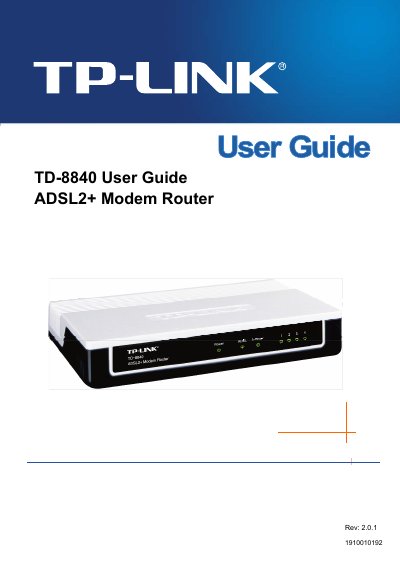
The TP-Link TD-8840 ADSL2+ Modem Router User Guide provides step‑by‑step instructions for hardware installation, quick setup, and detailed software configuration. It includes information on supported protocols, data‑rate limits, and environmental requirements.
The manual also contains a FAQ section that addresses common connection issues, required ISP parameters, and troubleshooting tips for LED indicators and dial‑up problems, helping users achieve a stable broadband connection.
| Maximum download data‑rate | 24 Mbps |
|---|---|
| Maximum upload data‑rate | 3.5 Mbps |
| Maximum line length | 6 km |
| Operating temperature | 0 °C to 40 °C |
| Storage temperature | -40 °C to 70 °C |
| Working humidity | 10 % to 90 % RH |
| Storage humidity | 5 % to 90 % RH |
You need the connection protocol, user name, password, VPI/VCI values, and the AAL5 encapsulation mode (e.g., LLC/SNAP).
The router supports PPPoA, PPPoE, MAC Encapsulation Routing (MER), IP over ATM (IPoA), and Bridging.
Check the connection by pinging 192.168.1.1, verify the NIC is working, and ensure the IP address/DHCP settings are correct.