
This document provides a quick setup guide for TL-SG1005D / TL-SG1008D 5 / 8-Port Gigabit Switches, explaining the features and characteristics of the products.
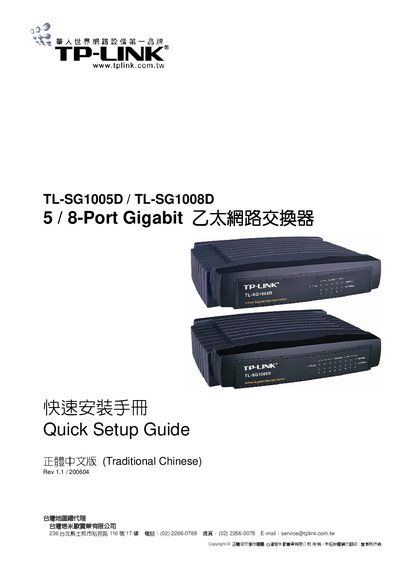
This guide provides a brief overview of the TL‑SG1005D and TL‑SG1008D Gigabit Ethernet switches, listing the items included in the package such as the switch unit, AC power adapter, quick‑setup manual, mounting bracket, and warranty card. It also describes the front and rear panel features, including LED indicators for power and link/activity.
Installation steps are outlined: place the switch on a stable surface, connect the power adapter, and ensure adequate ventilation. After powering on, the device automatically initializes, with the LEDs indicating power status and link speed. If the LEDs do not behave as described, the guide advises checking the power connection and contacting technical support. This manual is written in Chinese.
| Number of ports | 5 ports (TL‑SG1005D) or 8 ports (TL‑SG1008D) |
|---|---|
| Power indicator | Red LED on when power normal, off when no power |
| Link/Activity LEDs | Green LED for 1000 Mbps link, green LED for 10/100 Mbps link |
The red LED lights up when the switch is receiving normal power; it stays dark if the power is not connected.
The TL‑SG1005D has five Ethernet ports, while the TL‑SG1008D has eight ports.
Check that the power adapter is properly connected to the switch and to a working outlet.