
This document is a copyright statement of TP-LINK company
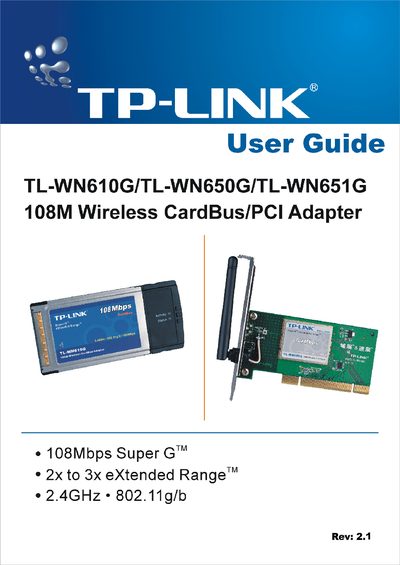
The TP‑Link TL‑WN610G/TL‑WN650G/TL‑WN651G series provides 108 Mbps Super G wireless connectivity with 2‑ to 3‑times extended range for PCs and notebooks. The adapters support 802.11g/b operation, WPA/WEP security, and work with Windows 98SE, Me, 2000 and XP.
This guide includes hardware and software installation steps, LED status explanations, profile management, diagnostics, and a specifications appendix. It also contains regulatory information (FCC, CE) and contact details for technical support.
| Maximum data rate | 108 Mbps |
|---|---|
| Range technology | 2x to 3x extended range |
| Frequency band | 2.4 GHz 802.11g/b |
| Interface (TL‑WN650G/TL‑WN651G) | 32‑bit PCI |
| Antenna (TL‑WN610G) | Internal antenna |
| Antenna (TL‑WN651G) | Detachable reverse SMA connector |
| Security | WPA, IEEE802.1x, TKIP/AES, 64/128/152‑bit WEP |
| Supported operating systems | Windows 98SE, Me, 2000, XP |
The adapters can achieve up to 108 Mbps data transfer rate.
The adapters work with Windows 98SE, Windows Me, Windows 2000 and Windows XP.
TL‑WN610G uses an internal antenna, while TL‑WN651G provides a detachable reverse SMA connector antenna.