
This is a detailed configuration guide that introduces the hardware connection and broadband dial-up settings of the ADSL2/2+ user terminal device.
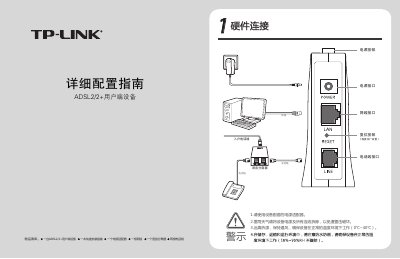
The TP-Link ADSL2/2+ user equipment is a broadband modem designed for DSL connections. The manual describes the required items, hardware connections, and safety precautions for proper installation and operation.
It covers detailed procedures for broadband dial‑up setup, indicator definitions for power, ADSL, and LAN status, software upgrade via the web interface, system maintenance functions, and a FAQ section that helps resolve common issues such as power‑indicator problems, ADSL line faults, and device reset instructions. This manual is written in Chinese.
| Current software version | 1.2.1 Build 080811 |
|---|
Verify that the telephone line is properly connected, the voice splitter is correctly installed, and the telephone cables are secure; contact the ISP if the issue persists.
Press and hold the reset button (the small hole labeled RESET) for 5‑10 seconds, then release; the device will restart with default settings.