
DSN-3100 Quick Start Guide, introduces how to open the package, connect the power, connect the network, install the hard disk and other operations
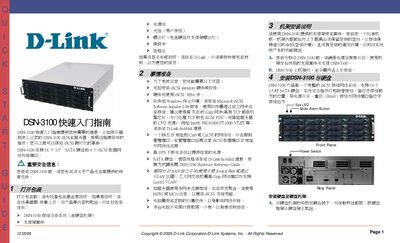
This guide walks you through the hardware installation of the DSN-3100, including mounting the chassis, connecting power, and securing the front and rear panels. It also describes the front panel indicators, reset button, and mute alarm button.
Network and software setup steps are covered, showing how to connect the management and data Ethernet ports, configure IP settings, and install required software such as Java Runtime Environment and iSCSI initiator drivers. Contact information for further assistance is provided at the end of the document.
| Supported drives | 16 x 3.5" SATA |
|---|---|
| iSCSI data ports | 4 |
| Network speed | 1 GbE |
| Required Ethernet cable | Cat5e or Cat6 |
Use standard Ethernet cables (Cat5e or Cat6) to connect the data ports and the management port to your network switch or host.