
This is a quick installation guide for DAP-1350 Wireless N Pocket Router/Access Point. It introduces how to use DAP-1350 device, including AP mode, CL mode and RT mode configuration methods, wireless network card with DAP-1350 wireless connection configuration instructions and SharePort software usage instructions.
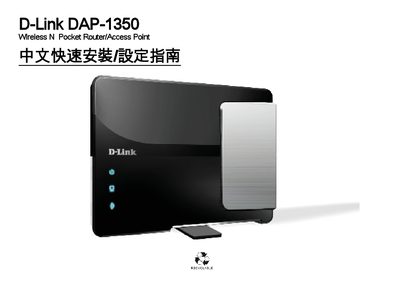
This guide provides step‑by‑step instructions for installing and configuring the D-Link DAP‑1350 wireless N pocket router. It covers hardware connections, power setup, and software configuration for various operating systems.
Key topics include LAN/WAN Ethernet connection, USB 2.0 interface, WPS pairing, power requirements, and reset procedures. Compatibility information for Windows (2000/XP/Vista/7) and Mac OS X is also included.
| LAN/WAN Speed | 10/100 Mbps |
|---|---|
| AC Power Input | 100‑240 V 0.4 A, 50‑60 Hz |
| USB Interface | USB 2.0 |
| WPS Support | Yes |
Yes, the device includes WPS functionality for easy wireless setup.
The router supports 10/100 Mbps Ethernet connections.
Press the reset button on the device as described in the reset section.