
DKVM-2KU is a 2-port KVM switch with USB 2.0 device sharing capabilities that supports Windows operating systems. This product includes a PS/2 keyboard, a PS/2 mouse and a VGA or higher-level display, and can be used to control up to 2 computers via DKVM-2KU.
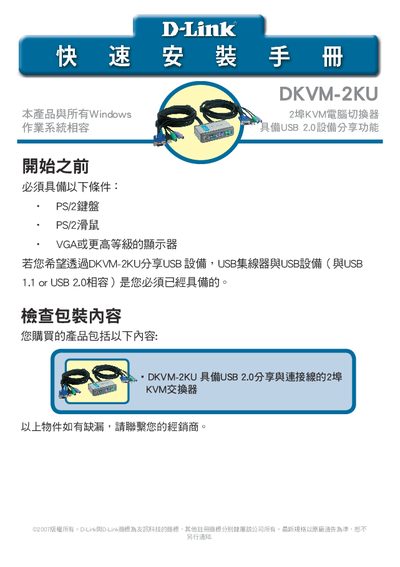
This guide explains how to install the D-Link DKVM-2KU 2‑port KVM switch. It lists the required components—PS/2 keyboard, PS/2 mouse, VGA monitor, and optional USB hub—and shows how to connect each to the switch and the computers. The document also details the front‑panel quick‑switch button and keyboard hot‑key combinations for switching between two PCs.
Troubleshooting sections cover common issues such as keyboard or mouse not being detected, monitor display problems, and USB device failures, with step‑by‑step checks and suggestions. Contact information for D-Link Taiwan technical support is provided at the end. This manual is written in Chinese.
| Ports | 2‑port KVM switch |
|---|---|
| USB Support | USB 2.0 sharing |
| Video Interface | VGA (or higher) |
You need a PS/2 keyboard, a PS/2 mouse, a VGA (or higher) monitor, and optionally a USB hub or USB device for sharing.
Check that the keyboard is correctly connected to the DKVM-2KU PS/2 keyboard port, verify the PC’s PS/2 keyboard IRQ is enabled in BIOS, and try another keyboard if needed.
Ensure all video cables are properly connected, lower the monitor’s resolution and refresh rate, and try using a shorter video cable.