
This manual introduces the basic functions and usage of D-Link DHA-130 wireless phone, including installation, configuration, use and management of the phone.
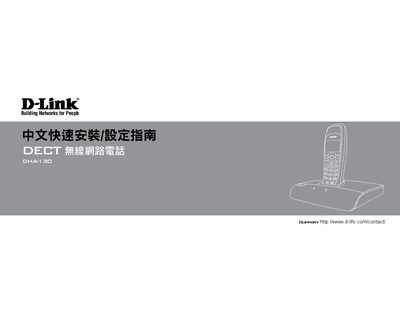
The DHA-130 is a DECT wireless telephone that works with D‑Life network services, allowing free calls to other D‑Life phones and low‑cost calls to PSTN and international numbers. The manual walks you through creating a D‑Life account, adding the handset, connecting to a router, and configuring basic phone functions such as call handling, shortcuts, and call logs.
Technical specifications are listed in the appendices, covering Ethernet standards, dimensions, weight, power requirements, radio frequency, supported codecs, security protocols, and environmental limits. The document also includes instructions for manual firmware updates and details on the included accessories. This manual is written in Chinese.
| Ethernet Standard | IEEE 802.3 10Mbps, IEEE 802.3u 100Mbps |
|---|---|
| Dimensions | 137.8 × 157.6 × 39.7 mm |
| Phone Weight (no battery) | 95 g |
| Phone Weight (with battery) | 118 g |
| Power Input | 100‑240 V 1 A max, 50/60 Hz |
| Power Output | AC 12 V 1.25 A |
| Radio Frequency | 1889‑1995 MHz |
| RF Channels | 10 |
| Supported Codecs | G.711 A‑law, U‑law, G.729A, G.726 |
| Security Protocols | PAP, CHAP, MD5, HTTPS, SSL/TLS |
| Operating Temperature | 0 °C to 40 °C |
| Storage Temperature | -10 °C to 55 °C |
Use an RJ‑45 10/100BASE‑TX Ethernet cable.