
D-Link Intelligent Switch Installation Guide

This document provides instructions for installing and configuring the D-Link Web Smart Switch
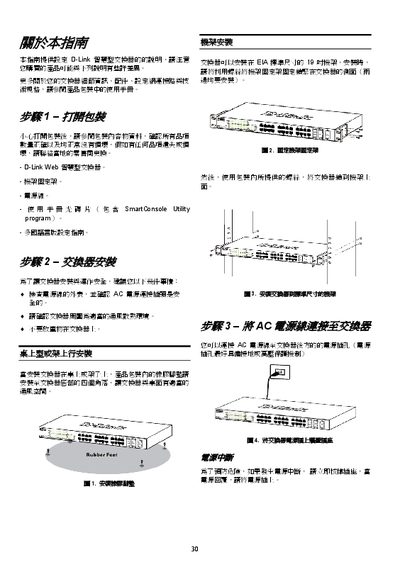

D-Link Intelligent Switch Installation Guide - cover page
Brand
D-Link
Category
Network Switches
Document type
Installation Guide
Language
Chinese
Pages
4
File format
PDF
File size
523 KB
Published
13 March, 2012
Updated
30 September, 2023
MD5 checksum
F5D8CD0702BD402B5976214EA2EB11A5

About this manual

This guide provides step‑by‑step instructions for installing D‑Link intelligent switches, including safety checks, rack mounting, power connection, and ventilation requirements. It also details how to access the web‑based management utility and configure basic network settings.

The manual explains the use of the SmartConsole Utility for Windows (2000, XP, Vista, x64) to discover and manage switches on the same L2 network segment, and includes troubleshooting tips and reference URLs for additional support. This manual is written in Chinese.

What's inside

  • Safety and preparation
  • Hardware installation
  • Power and ventilation
  • Web‑based Management Utility
  • SmartConsole Utility installation
  • Default IP address and network configuration
  • Troubleshooting and support

Frequently asked questions

What utility can be used to manage multiple D‑Link switches simultaneously?

The SmartConsole Utility can discover and configure multiple switches on the same network segment.

Download PDF (523 KB)

More D-Link Manuals


View all D-Link manuals →