
DIR-635 is a wireless router from D-Link that supports the 802.11n standard. It can convert wired network signals into wireless signals, allowing multiple wireless devices to share network resources. This document is the Chinese quick installation guide for DIR-635, which introduces the hardware installation and network configuration methods of DIR-635.
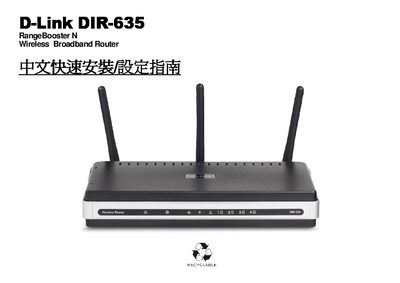
This guide walks you through the first‑time setup of the D‑Link DIR‑635 router, covering hardware installation, antenna positioning, and basic network configuration. It includes step‑by‑step instructions for connecting the router to your modem, setting up IP parameters, and securing the wireless network.
Additional sections explain how to use the WPS button for fast wireless pairing, configure various operating systems, and perform firmware updates or factory resets using the web interface. Appendices provide detailed TCP/IP settings for Windows, macOS, and RJ‑45 wiring standards. This manual is written in Chinese.
| Wireless Standard | 802.11n |
|---|---|
| Supported OS for Quick Install | Windows 2000/XP/Vista |
Use the DIR‑635 web configuration page to perform a factory reset as described in Appendix (1).
Follow the firmware update instructions provided in Appendix (2) of the guide.
Press the WPS button on the router and follow the on‑screen instructions; see the WPS section on page 42.