
This manual introduces how to use the watch, including how to set time, date, time zone, daylight saving time, etc., and how to use stopwatch, countdown timer, alarm clock, etc.
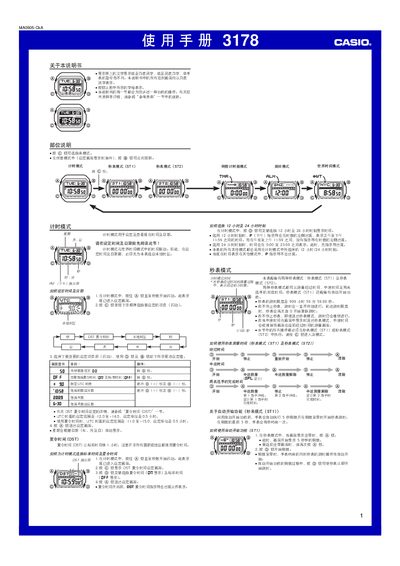
This manual covers the basic operation of the Casio 3178 watch, including time and date setting, switching between 12‑hour and 24‑hour formats, and configuring the automatic calendar. It also describes the various modes such as Stopwatch (ST1/ST2), Countdown Timer, World Time, and the five alarm functions.
Additional sections explain the lighting features (EL panel, automatic illumination and duration settings), battery information, and technical specifications. The document provides step‑by‑step instructions for each function and includes a reference table of city codes for World Time. This manual is written in Chinese.
| Accuracy (room temperature) | ±15 seconds per month |
|---|---|
| Time format | 12‑hour / 24‑hour switchable |
| Automatic calendar range | 2000‑2099 |
| Battery type | CR2025 (≈3 years life) |
| Stopwatch measurement unit | 1/100 second |
| Stopwatch time limit | 999 h 59 min 59.99 s |
| Countdown timer range | 1 minute – 24 hours |
| World‑time cities supported | 48 cities (29 time zones) |
| Lighting type | EL panel, adjustable duration, automatic mode |