
This manual introduces basic operations of Casio Exilim EX-Z4 digital camera, including turning on/off, battery installation, taking pictures, playing pictures, etc.
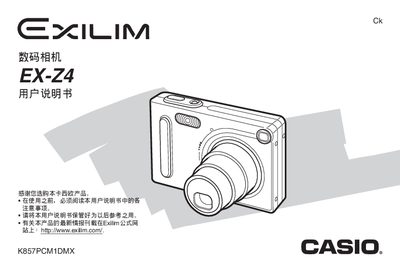
This manual explains how to operate the Casio EX‑Z4 digital camera, covering basic shooting functions, various shooting modes, playback, file management, and connectivity options such as USB direct‑print and USB charging. It also details how to insert and remove the battery, configure settings like white balance, ISO, and exposure, and use special features such as Best Shot and Coupling Shot.
The document includes safety warnings, warranty information, and technical specifications such as dimensions, weight, battery capacity, power requirements, and operating temperature range. Troubleshooting guidance and indicator light references help resolve common issues, and a specifications section lists the camera’s electrical and physical parameters. This manual is written in Japanese.
| Battery capacity | 680mAh |
|---|---|
| Weight | 16 g |
| Dimensions (camera body) | 33 mm × 30 mm × 4.7 mm |
| Operating temperature range | 0 °C to 40 °C |
| Power consumption (camera) | 3.3 W |
| AC adapter input voltage | 100 V‑240 V, 30/60 Hz, 83 mA |
| AC adapter output | 3.3 V, 600 mA |
| AC adapter dimensions | 78 mm × 20 mm × 39 mm |
| AC adapter weight | 90 g |
The camera’s battery has a capacity of 680 mAh.
The camera can be used from 0 °C up to 40 °C.
Use the file management menu to select “Delete All Files” as described in the section on file deletion.