
This manual introduces the usage of watch, including the operation methods of timing function, alarm function, countdown timer function, world time function and stopwatch function.
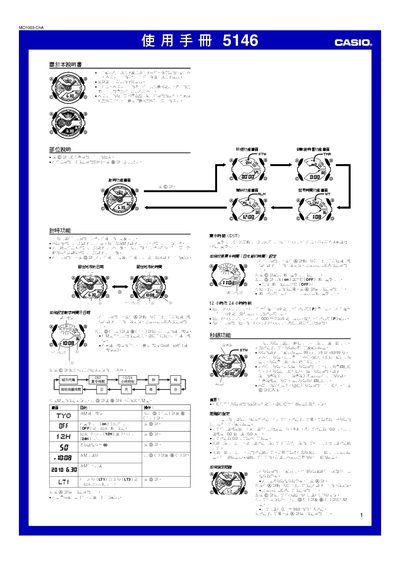
This manual provides step‑by‑step instructions for using the Casio 5146 watch, covering basic functions such as time setting, world time, stopwatch, countdown timer and alarm configuration. It also details the automatic illumination feature and how to calibrate the hands.
Technical data, battery information and safety notes are included in the specifications section, helping users understand accuracy, power requirements and proper handling of the watch. This manual is written in Chinese.
| Accuracy (room temperature) | ±15 seconds per month |
|---|---|
| Time format | 12‑hour and 24‑hour |
| Date range | 2000‑2099 (full‑auto calendar) |
| Hand movement interval | 20 seconds per step |
| Stopwatch resolution | 1/1000 second |
| Stopwatch range | 99:59:59.999 |
| Timer resolution | 1 second |
| Timer range | 1 minute to 24 hours |
| World time cities | 48 cities (29 time zones) |
| Illumination | LED with automatic illumination |
| Battery type | CR1220 lithium cell |
| Battery life | approximately 2 years |
Press the @ button to toggle between 12‑hour (12H) and 24‑hour modes.
Turn the watch so the face points toward you and rotate it more than 40°; the illumination will turn on automatically.