
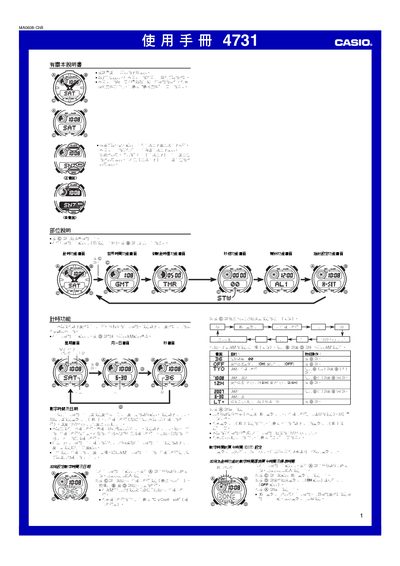
This manual provides step-by-step instructions for operating the Casio 4731 watch, including setting time, world time, stopwatch, alarm, and countdown timer. It explains how to adjust settings like daylight saving time, city names, and display formats. The watch features digital and analog timekeeping, multiple time zones, and customizable alarms with interval options. This manual is written in Chinese.
Press and hold the button until the seconds digit starts flashing, then press the button twice to select the city name setting. Use the buttons to choose the desired city and adjust other settings like DST, time format, and illumination duration.
Enter the alarm function screen by pressing the button. Select the alarm number, press and hold the button until the hour digit flashes, then use the buttons to set the time. Press the button to exit.