
This document is an instruction manual for Casio watches, which introduces the various functions and usage methods of the watch.
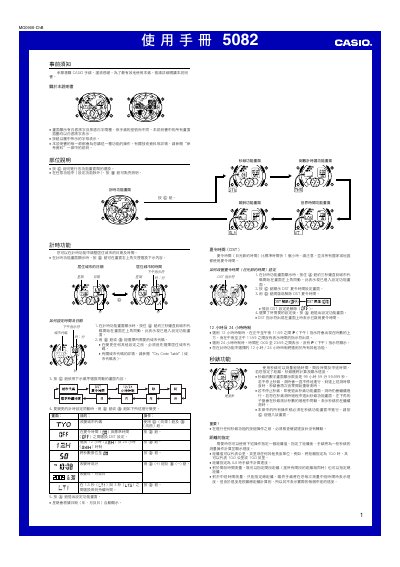
This manual provides step‑by‑step instructions for using the Casio 5082 watch, covering basic operation, button functions, and how to navigate between different modes such as timing, world time, and alarm. It also includes safety notes and guidance for proper handling.
Additional sections describe advanced features like daylight‑saving time adjustment, lighting duration, battery replacement, and calibration of the hands. A specifications table lists accuracy, time‑format options, date range, battery type, and measurement limits. This manual is written in Chinese.
| Accuracy (monthly) | ±30 seconds |
|---|---|
| Time format | 12‑hour and 24‑hour |
| Date range | 2000‑2099 |
| Hand‑movement interval | 20 seconds per step |
| Stopwatch measurement limit | 99:59:59.999 |
| Stopwatch resolution | 1/1000 second |
| Battery type | CR1220 lithium |
| Battery life | ≈2 years |
Press the @ button to select the desired time format; the watch will show either 12‑hour or 24‑hour mode.
Enter the DST setting screen by pressing and holding the @ button for about three seconds, then toggle DST on or off with the @ button.