
This document is a user manual for a watch, which introduces various functions and operation methods of the watch, including timing mode, world time mode, countdown timer mode, etc.
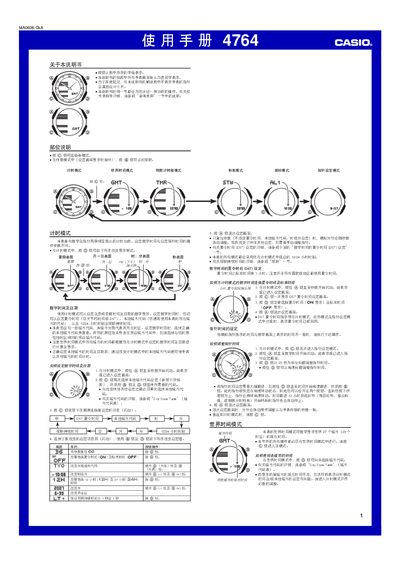
This manual provides step‑by‑step instructions for all operating modes of the Casio 4764 watch. It covers setting the digital time and date, adjusting the local city code, enabling daylight‑saving time, and configuring lighting duration.
Detailed sections describe each mode—Timer, World Time, Countdown Timer, Stopwatch, Alarm, and Lighting—along with reference tables for city codes and troubleshooting tips. The guide also includes information on automatic calendar adjustments and battery‑saving recommendations. This manual is written in Chinese.
| World time cities displayed | 27 cities (29 time zones) |
|---|---|
| Countdown timer range | 1 to 60 minutes |
| Stopwatch maximum time | 59 minutes 59 seconds |
| Year setting range | 2000 to 2039 |
| Lighting type | EL (electroluminescent) panel |
In Timer mode, press and hold the A button until the seconds start flashing to enter the setting screen, then use the C, B, and D buttons to adjust city code, time, date, DST, and other settings.
Enter Countdown Timer mode, press and hold A until the start time flashes, then press C to select the item to change and use B/D to adjust the minutes.