
This document is a quick-start guide for the Logitech™ Speaker System Z520, providing instructions for installation and usage, as well as adjusting volume, using headphones, and utilizing the auxiliary input.
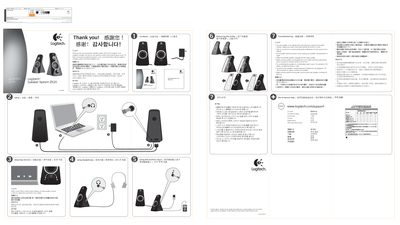
This guide helps you get the Logitech Z520 speaker system up and running quickly. It covers basic setup, power and volume control, and how to connect audio sources.
Key sections include adjusting volume, using headphones, connecting the auxiliary input, removing the grilles, and troubleshooting common issues such as one speaker not producing sound or muted audio when headphones are plugged in.
| Color | Black |
|---|
Turn the speaker on by adjusting the volume/power control to the center position.
The speaker automatically mutes when headphones are connected; remove the headphones to restore sound.
Unplug the speakers, then plug them back in and ensure the left and right speakers are correctly connected.