
Quick-start guide, contents include package contents, installation steps, troubleshooting, etc. Product features include quick installation, easy to use, excellent sound quality.
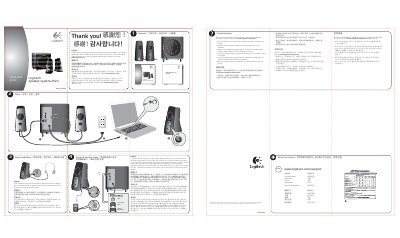
Thank you for purchasing the Logitech Speaker System Z523. The quick‑start guide walks you through unpacking, connecting the speakers to power and audio sources, and adjusting the volume controls. It also points you to Logitech’s website for additional support.
The guide includes troubleshooting advice for common issues, instructions for using headphones, and details on connecting auxiliary devices via the 3.5 mm or RCA inputs. Safety, regulatory, and warranty information are also provided.
Unplug the speakers and plug them back in, and make sure the left speaker is connected to the yellow RCA jack on the subwoofer.