
Casio NAME LAND Label Printer User Manual

NAME LAND can create free-form labels, including text, images, bar codes and QR codes. You can customize the design and print in batches according to your needs.

Casio NAME LAND Label Printer User Manual - cover page
Brand
Casio
Category
Office Equipment
Document type
User Manual
Language
Japanese
Pages
34
File format
PDF
File size
2.1 MB
Published
10 January, 2012
Updated
30 September, 2023
MD5 checksum
5E41310BE71D34E542B153E1B3728318

About this manual

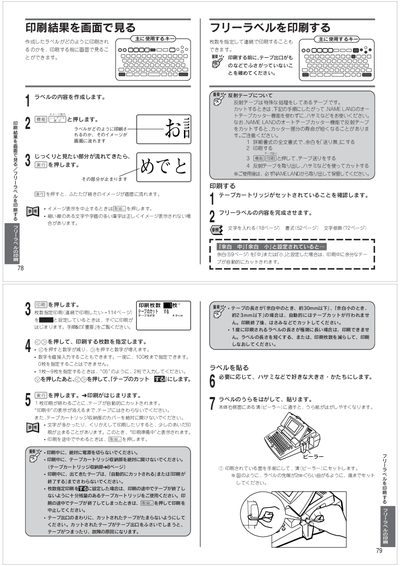
This manual guides users through operating the Casio NAME LAND label printer. It covers loading tape cartridges, selecting label formats, adjusting print settings, and using the built‑in barcode functions.

Detailed instructions are provided for creating free‑label, stamp, and barcode labels, saving custom formats, and handling common issues such as tape jams or incorrect tape width. This manual is written in Japanese.

What's inside

  • Loading Tape Cartridge
  • Creating Free‑Label and Stamp Labels
  • Setting Print Options
  • Barcode Label Creation
  • Saving and Retrieving Custom Formats
  • Troubleshooting and Maintenance
Download PDF (2.1 MB)

More Casio Manuals


View all Casio manuals →