
This manual introduces the use of CASIO EX-S600 digital camera, including unpacking, basic operations, shooting, settings, etc.
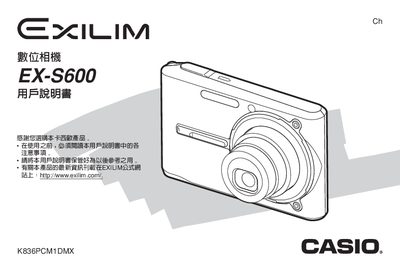
This manual covers everything you need to know to operate the Casio EX‑S600 digital camera, from unboxing and battery charging to shooting modes, playback, and USB connectivity. Detailed step‑by‑step instructions guide you through camera functions, menu navigation, and image processing features.
Additional sections include power specifications, accessory lists, troubleshooting tips, and legal notices. The document also provides technical data such as power requirements, dimensions, and weight, ensuring you have all the information required for safe and effective use.
| AC Power Input | 100‑240 V 50/60 Hz 83 mA |
|---|---|
| DC Output (USB) | 3.3 V 630 mA |
| Dimensions | 30 mm × 20 mm × 70 mm |
Charge the battery before first use as described in the Getting Started section.
Use the USB port; the manual includes settings for the USB port protocol.
Inspect the camera and all accessories listed in the unboxing checklist.
Refer to the Troubleshooting Guide section near the end of the manual.