
This is a user manual for CASIO digital camera QV-R3/QV-R4, which introduces the features, precautions, basic operations, shooting functions and other settings of the camera.
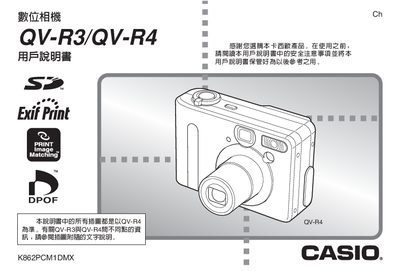
This manual covers safety precautions, unpacking, and the required accessories for the QV-R3 and QV-R4 cameras. It explains power requirements, battery charging, and how to install the optional AC adapter.
The guide details camera operation, including autofocus modes, shooting settings, image playback, deletion, and menu configuration such as date/time, world time, and language. It also describes memory card usage, USB image transfer, and CD‑ROM software installation for PC integration.
| Dimensions (camera body) | 90.0 x 39.0 x 31.0 mm |
|---|---|
| Weight (camera body) | ≈200 g (without battery and accessories) |
| LCD | 1.6‑inch TFT color LCD |
| Image resolution | 84,960 pixels (334 × 240) |
| Battery type | NP‑30 rechargeable lithium‑ion battery |
| Battery capacity | 1000 mAh |
| Power supply | NP‑30 battery or AC adapter AD‑C40 (100‑240 V, 0.2 A, 50/60 Hz) |
| USB interface | USB port for data transfer |
| External dimensions (battery) | 33.3 × 33.1 × 7.1 mm |
| Battery weight | ≈28 g |
Use the dedicated NP‑30 rechargeable battery charger (model BC‑20) supplied with the camera.