
This document is the user manual for the Ch K810FCM1DMX digital camera EX-Z700, which introduces the features and precautions of the camera.
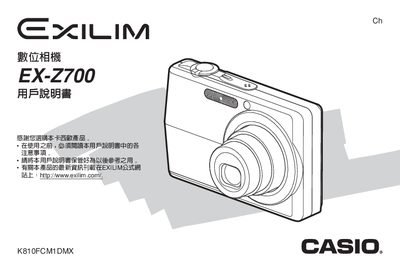
This manual covers everything you need to start using the EX‑Z700 camera, from unpacking and checking accessories to configuring language settings, charging the battery, and basic shooting functions. Detailed sections explain menu navigation, shooting modes, flash, focus, and video recording, as well as how to connect the camera to a computer via USB.
Additional chapters describe advanced features such as the self‑timer, best‑shot mode, image compensation, and how to reset the camera, format memory cards, and print images using PictBridge or direct‑print. A troubleshooting guide and specifications are provided at the end of the document. This manual is written in Chinese.
| AC Power Input | 100‑240 V AC, 50/60 Hz, 90 mA |
|---|---|
| DC Power Input | 3.3 V DC, 630 mA |
| Dimensions | 20 mm (H) × 50 mm (W) × ? mm (D) |
| Weight | ≈ 76 g |
First, charge the battery before using the camera.
Remove the battery cover, take out the old battery, and insert a new one.
Use the USB port and follow the USB protocol settings described in the manual.
The troubleshooting guide is located near the end of the manual under "疑難排解指南".