
This is a user manual for Canon QV-5700 digital camera, which introduces the camera's various functions and usage methods.
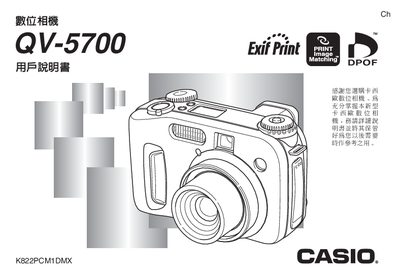
This manual explains how to operate the Casio QV-5700 digital camera, covering basic functions such as power‑on, date/time setting, and menu navigation. It also describes the various shooting modes, autofocus options, and self‑timer features.
Additional sections cover battery installation and care, video output connections, memory card handling, and troubleshooting tips. Technical specifications such as weight, LCD size, shutter speed range, and supported apertures are listed at the end of the document. This manual is written in Chinese.
| Battery type | Four AA rechargeable batteries (NF‑H3) |
|---|---|
| Weight (without battery) | ≈355 g |
| LCD size | 1.8‑inch TFT LCD |
| LCD resolution | 122 × 100 pixels (≈555 × 220 dots) |
| Shutter speed range | 1/1000 s – 69 s |
| Aperture range (lens) | F2.0 – F8.0 |
| Video output | YIDEO OUT (NTSC/PAL) |
Select the date/time setting function from the menu (see page 43) and adjust the values using the control keys.
The camera uses four AA rechargeable batteries (model NF‑H3).
Use the YIDEO OUT video‑output connector and select the appropriate NTSC or PAL format.
Activate the self‑timer function from the shooting menu (see page 52).