
This is a camera user manual, which introduces the basic use of the camera, including turning on, turning off, taking photos, recording, etc.
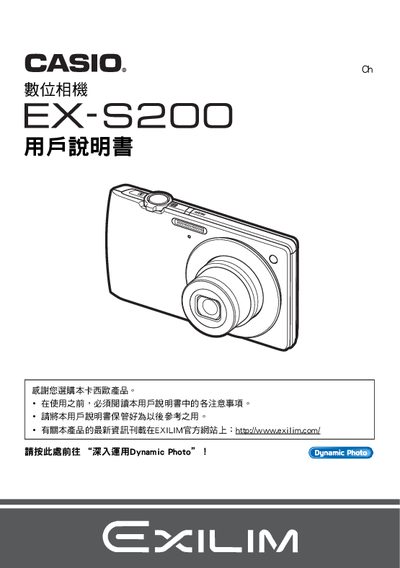
This manual begins with safety notices and unpacking instructions, showing how to verify the contents, install the NP‑120 rechargeable battery and the 8C‑120L charger, and perform initial charging before first use. It then guides the user through basic operation such as powering the camera on and off, formatting the internal memory, and handling the LCD panel whose pixel yield exceeds 99.99 %.\n\nLater sections cover shooting modes, image quality settings, autofocus, self‑timer, and special features like BEST SHOT and Dynamic Photo. The guide also explains playback, printing via PictBridge‑compatible printers, connecting to a PC or Mac, and provides a troubleshooting (疑難排解) chapter for common issues. This manual is written in Chinese.
| Battery model | NP-120 |
|---|---|
| Charger model | 8C-120L |
| LCD pixel yield | 99.99 % or higher |
| Printing interface | PictBridge compatible printer |
Charge the NP‑120 battery with the supplied charger before using the camera for the first time.
Yes, the camera can send images directly to a PictBridge‑compatible printer.
Use the format (initialization) function to restore the camera to its original settings.