
This document is a manual for Manual 3151 1 MO0803-CkA, which explains the various functions and operations of the watch.
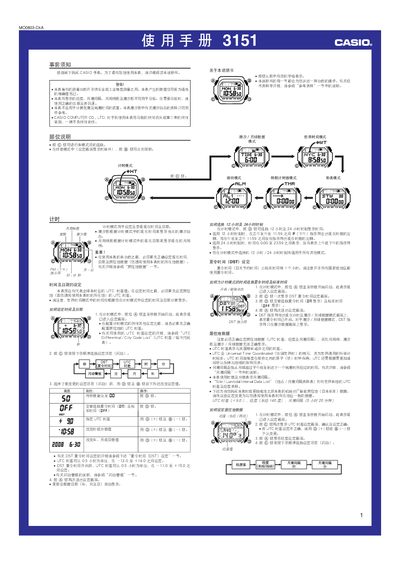
This manual provides step-by-step instructions for operating the Casio 3151 watch, including setting time and date, configuring world time, tide and lunar data, alarms, and stopwatch modes. It also explains how to adjust daylight saving time, set location data (UTC offset, longitude, lunar interval), and use automatic lighting. The watch features multiple modes for practical daily use and specialized data display.
The manual includes safety warnings, such as not using the watch for professional measurements or navigation, and notes that tide data is for reference only. All settings are configured through button operations described in the guide. This manual is written in Chinese.
| Model Number | 3151 |
|---|---|
| Brand | CASIO |
| Default Location Data | UTC +9.0, Longitude 140°E, Lunar Interval 5h20m |
| World Time Cities | 48 cities (29 time zones) |
| Lunar Interval Display | Measured in hours and minutes |
The default setting is Tokyo, Japan: UTC +9.0, longitude 140°E, lunar interval 5 hours 20 minutes.
No, the watch is not designed for navigation or precise tide prediction. The tide and lunar data are for reference only.