
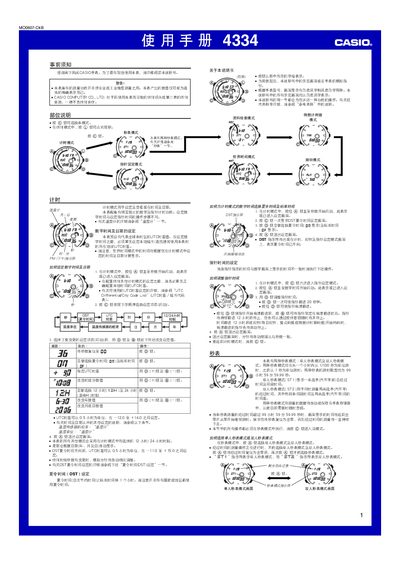
This manual explains how to operate the Casio 4334 watch, covering basic time and date setting, UTC time‑difference adjustment, daylight‑saving (DST) configuration, and world‑time city codes. It also details the use of the stopwatch (single‑ and dual‑person modes), countdown timer, alarms, and the built‑in temperature sensor.
Additional sections describe the automatic illumination feature, EL backlight, storage capacity for logs, and safety notes for using the watch in various environments. The reference data section lists city codes and technical notes for calibration and maintenance. This manual is written in Chinese.
| Storage capacity | 50 records |
|---|---|
| Backlight type | EL (electroluminescent) panel |
| Temperature display range | 0 °C – 60 °C |
| Countdown timer range | 1 minute to 100 hours |
The watch can store up to 50 log records in its internal memory.
In timing mode, press and hold the @@ button for about 3 seconds to toggle automatic illumination on or off.
The countdown timer can be set for periods from 1 minute up to 100 hours.