
This document provides pre-usage instructions and warnings for the manual 3194 1 MA0905-CkA, including limitations of the measurement functions, data not suitable for navigation purposes, the non-applicability of the device for calculating tide times, and CASIO COMPUTER CO.,LTD's disclaimer for any losses or claims resulting from the use of this watch.
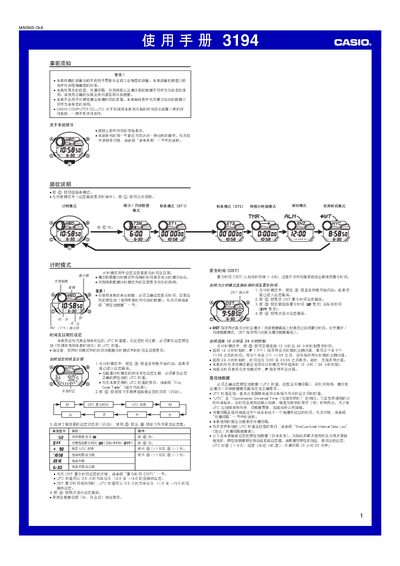
This manual provides step‑by‑step instructions for operating the Casio 3194 1MA0905-CkA multi‑function watch. It covers initial precautions, time and date configuration, world‑time city selection, and detailed usage of each mode such as stopwatch, countdown timer, and alarms.
Additional sections describe the watch’s illumination options, automatic lighting, button sound settings, and reference data like city codes and tidal information. Technical specifications such as accuracy, battery type, and display formats are listed at the end. This manual is written in Chinese.
| Time display format | 12‑hour or 24‑hour selectable |
|---|---|
| Battery | CR2025 lithium cell (≈2 years) |
| Date range | 2000‑01‑01 to 2099‑12‑31 |
In Time mode, hold the A button until the seconds flash to enter the setting screen, then use the C, D and B buttons to change the desired fields and press A twice to exit.
In Time mode, hold the B button for about 3 seconds to toggle the automatic illumination indicator on or off.
Enter Alarm mode, use the D or B buttons to select the desired alarm, then hold the A button until the hour field flashes, and adjust hour, minute, month and day with D and B before confirming with A.