
User manual, introduces the operation methods of functions such as timing, world time, stopwatch, countdown timer and alarm clock.
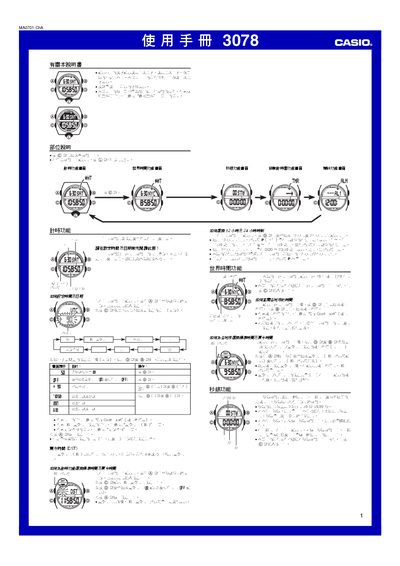
This manual provides step‑by‑step instructions for operating the Casio 3078 watch. It covers time and date setting, selection of 12‑hour or 24‑hour display, and how to configure time zones and daylight‑saving time.
Additional sections describe the world‑time feature for 48 cities, the stopwatch with a 23 h 59 m 59.99 s limit, the countdown timer with repeat and progress alerts, alarm settings, illumination options, automatic lighting, and safety warnings. This manual is written in Chinese.
| Stopwatch maximum time | 23 h 59 m 59.99 s |
|---|---|
| Year setting range | 2000 – 2099 |
From the time‑setting screen, hold the A button until the seconds flash, then use the C button to select the item to set and adjust values with the D (up) and B (down) buttons, finally press A to exit.
While on the time‑setting screen, hold the B button for about 3 seconds to toggle the automatic illumination on or off; an indicator will appear when it is active.