
This manual explains how to set and use the watch's various functions, including time and date setting, world time mode, stopwatch mode, countdown timer mode, and alarm mode.
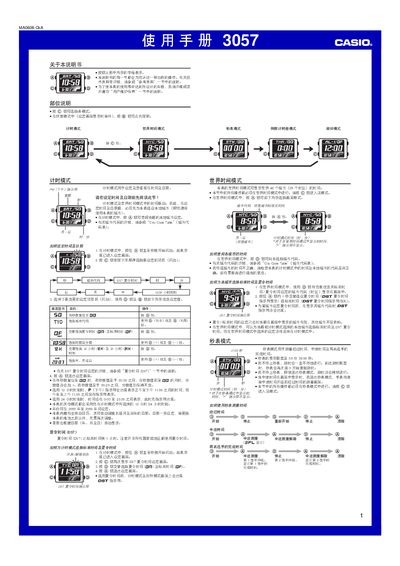
This manual covers all functions of the Casio 3057 digital watch, including timekeeping, world time, stopwatch, countdown timer, multiple alarms, and back‑light illumination. Each section provides step‑by‑step button operations and setting screens.
Additional information such as city‑code tables, automatic calendar behavior, button‑click sounds, and power‑saving tips are included to help users maintain accurate time and extend battery life. This manual is written in Chinese.
| Stopwatch display limit | 59 min 59.99 sec |
|---|---|
| Year setting range | 2000‑2099 |
| Automatic calendar | Adjusts month length and leap‑year dates automatically |
Enter the setting screen by holding the A button until the seconds flash, then use the C, D and B buttons to change the values.
In Alarm mode, press D to select the desired alarm, then hold A until the hour digits flash and adjust with D and B.
Enter Countdown Timer mode and press D; the timer will begin counting down.