
This document is an instruction manual for the watch model MA0612-CkA. It provides information on various functions of the watch, including stopwatch mode, world time mode, countdown timer mode, alarm mode, and pointer setting mode. The document also explains how to set daylight saving time and adjust the pointer time. It provides detailed instructions and illustrations to help users operate the watch.
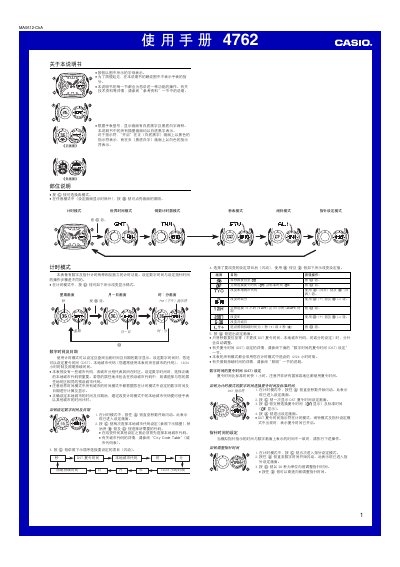
This manual provides step‑by‑step instructions for each mode of the Casio 4762 watch. It covers how to select and adjust functions such as timing, world time, countdown timer, stopwatch, alarm, pointer setting, and illumination, as well as details on daylight‑saving time (DST) and city code settings.
Safety notes and reference tables are included, describing automatic lighting behavior, battery considerations, and the watch’s LED illumination system. The guide also explains how to enable or disable features like automatic lighting, alarm repeat, and progress beeps. This manual is written in Chinese.
In any mode (except the setting screen), hold the B button for about 2 seconds to toggle the automatic lighting indicator on or off.