
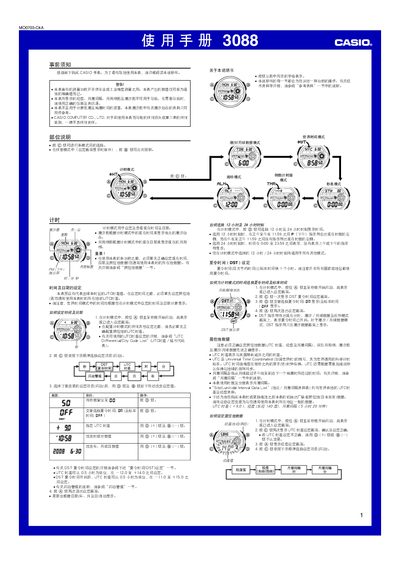
This manual explains how to configure the watch's basic settings, including time, date, UTC offset, and daylight‑saving time. It also covers the tide and moon‑phase data modes, which require correct location and UTC settings.
Additional sections describe the operation of the stopwatch, countdown timer, multiple alarm types, and the automatic illumination feature, as well as safety precautions and troubleshooting tips. This manual is written in Chinese.
| Stopwatch maximum time | 23:59:59.99 |
|---|---|
| Date entry range | 2000‑01‑01 to 2099‑12‑31 |
Press @ once to open the DST setting screen; the DST indicator will appear in the timer mode when DST is active.
The stopwatch can measure up to 23 hours 59 minutes 59.99 seconds.