
This document is a manual for manual 3199 1 MA0909-CkA. The manual provides detailed instructions for various functions of the product, including stopwatch mode, countdown timer mode, alarm mode, timer mode, and world time mode. It also explains how to change the local city's time and date, as well as how to set daylight saving time and 12/24-hour format. The manual provides detailed operating instructions and illustrations for easy use and setup.
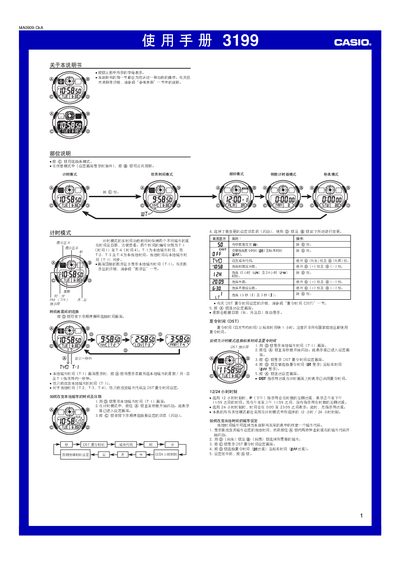
This manual describes the operation of the Casio 3199 multifunction watch. It covers time‑setting procedures, world‑time city selection, alarm configuration, countdown timer, stopwatch, lighting, button sounds and automatic display features.
The specification section lists accuracy, calendar range, supported time formats, number of alarms, timer ranges, battery type and other technical details for the watch. This manual is written in Chinese.
| Time display fields | hours, minutes, seconds, PM indicator, month, day, weekday |
|---|---|
| Time format | 12‑hour or 24‑hour selectable |
| Calendar range | 2000‑2099 (full‑automatic) |
| World‑time cities | 48 cities (31 time zones) |
| Alarms | 5 alarms (once or daily) with hourly chime |
| Countdown timer range | 1 second to 24 hours |
| Stopwatch resolution | 1/100 second |
| Lighting | LED, 1.5 s or 3 s duration |
| Battery | CR2025 lithium cell, ~10 years life |
Press the D button to show the local city (T‑1) screen, hold the A button until the seconds flash to enter setting mode, then use C, D and B to adjust the time.
In any mode (except when a setting screen is displayed) press the B button; the LED will light for the preset duration of 1.5 seconds or 3 seconds.