
This document introduces the usage and features of CASIO watch 3088, including functions such as stopwatch mode, world time, and tide/moon data. It also reminds users of the limitations and precautions when using the watch.
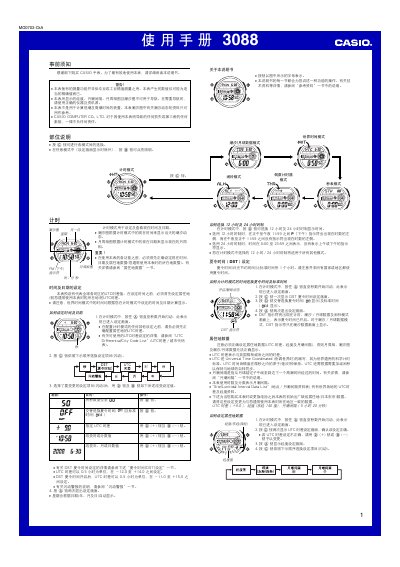
This manual provides step‑by‑step instructions for operating the Casio 3088 watch. It covers initial setup, time and date configuration, UTC differential and city‑code selection, as well as the various functional modes such as world time, tide/moon data, stopwatch, countdown timer and alarms.
Safety warnings, lighting options (manual and automatic), and detailed reference tables for UTC differentials and city codes are also included to help users get the most out of the watch. This manual is written in Chinese.
| UTC differential range | -12.0 to +14.0 hours |
|---|---|
| UTC differential step | 0.5 hour |
| Countdown timer range | 1 minute to 24 hours |
| Stopwatch display limit | 23:59:59.99 |
| Automatic illumination auto‑off time | ≈6 hours |
In any mode, hold the D button for about 3 seconds; this toggles the automatic illumination on (A.EL appears) or off (A.EL disappears).