
This document introduces the countdown timer mode, stopwatch mode, alarm mode, and world time mode of the 3160 1 MO0905-CkA user manual. The watch has a solar-powered battery and can be charged by light. Time and date can be manually set.
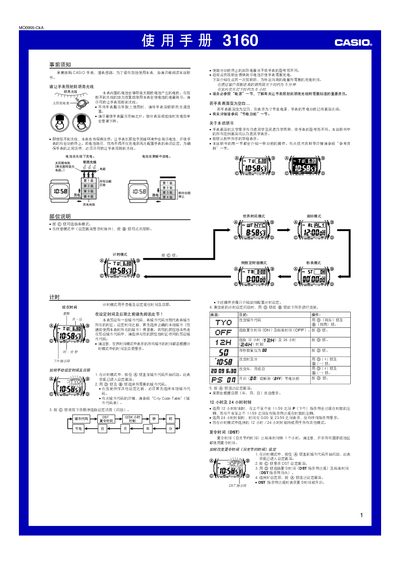
This manual provides step‑by‑step instructions for all operating modes of the Casio 3160 1MO0905‑CkA watch, including time and date setting, world‑time city selection, alarm configuration, stopwatch use, countdown timer setup, and lighting control. It also covers battery charging with solar light, power‑saving mode, and button‑sound options.
Safety notes advise keeping the watch exposed to bright light for charging, avoiding prolonged exposure to extreme heat, and disabling automatic illumination while riding a bicycle or motorbike to prevent distraction. The specification section lists accuracy, calendar range, supported cities, and power details. This manual is written in Chinese.
| Accuracy (room temperature) | ±15 seconds per month |
|---|---|
| Time display | Hours, minutes, seconds, AM/PM, month, day, weekday |
| Hour format | 12‑hour and 24‑hour |
| World‑time cities | 48 cities (29 time zones) |
| Alarms | 5 daily alarms (4 single‑tone, 1 intermittent) |
| Countdown timer range | 1 minute to 24 hours |
| Lighting type | EL (electroluminescent) panel |
| Power source | Solar cell + rechargeable secondary battery |
| Battery life (typical use) | ≈11 months from full charge to level 5 |
In any mode, hold the B button for about 3 seconds to toggle the automatic lighting on or off; the A.EL indicator will appear or disappear on all screens.
Approximately 5 minutes in direct sunlight, 24 minutes under bright window light, 48 minutes under cloudy window light, and 8 hours under indoor fluorescent lighting.