
This document is an instruction manual for a CASIO watch, which introduces the features and usage of the watch, especially the use and charging method of the solar battery.
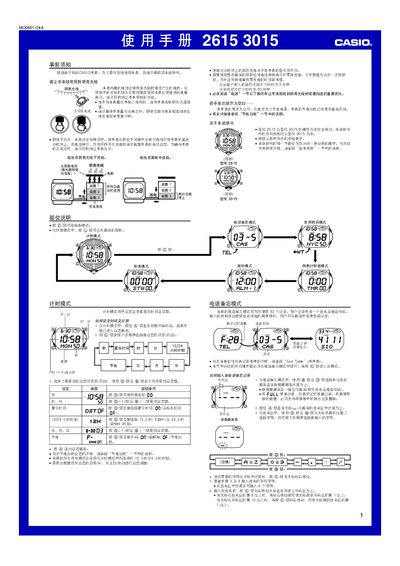
This manual provides step‑by‑step instructions for using the Casio 2615 and 3015 solar‑powered watches. It covers how to keep the battery charged, how to navigate the various modes, and how to set time, alarms, phone memos, world time, countdown timers, and the stopwatch.
Safety and maintenance tips are included, such as proper exposure to bright light for charging, automatic and manual illumination, power‑saving features, and battery‑level warnings. The guide also details how to edit or delete phone memo entries and how to configure daylight‑saving time for world cities. This manual is written in Chinese.
| Charging time in bright sunlight | ≈ 5 minutes |
|---|---|
| Charging time under indoor fluorescent light | ≈ 50 minutes |
| Battery level indicator – level 3 | CHARGE/CHG flashing, low battery |
| Battery level indicator – level 4 | All functions stop, settings reset |
Expose the watch to bright light regularly; place it face‑up toward a bright light source or wear it so the solar cell receives sunlight.
In any mode, hold the D button for about 2 seconds to toggle the automatic illumination indicator on or off.