
This manual introduces the functions and operations of 2994 1 MA0804-ChA watch, including timer function, world time function, stopwatch function, countdown timer function and alarm function.
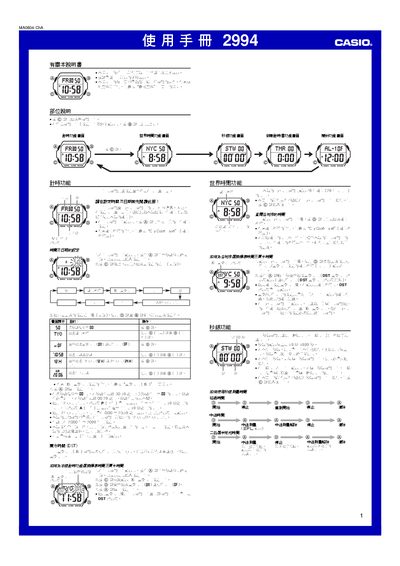
This manual provides instructions for operating the Casio 2994 watch, including setting time and date, configuring world time for 48 cities, using stopwatch and countdown timer functions, and managing alarm settings. It also explains how to adjust lighting and handle battery replacement. The watch features automatic calendar adjustment and DST (Daylight Saving Time) support for accurate timekeeping.
The manual includes detailed steps for navigating through different function screens using the control buttons, adjusting time formats (12-hour or 24-hour), and managing alarm settings including hourly chimes and interval alarms. It also covers how to use the backlight for visibility in low-light conditions and how to reset or change settings. This manual is written in Japanese.
| Time Format | 12-hour or 24-hour |
|---|---|
| Date Range | 2000 to 2099 |
| Calendar Type | Automatic |
| Alarm Functions | 5 daily alarms, hourly chime, interval alarm |
To set the time, press and hold the @ key until the seconds digit starts blinking, then press the ⑥ key to enter the time-setting screen.
The watch's calendar can be set from 2000 to 2099, and it automatically adjusts for leap years and different month lengths.