
This manual introduces the usage of the 2943 MO0502-CkA watch, including the timekeeping mode, daylight saving time, vibration alarm, 12-hour/24-hour timekeeping, etc.
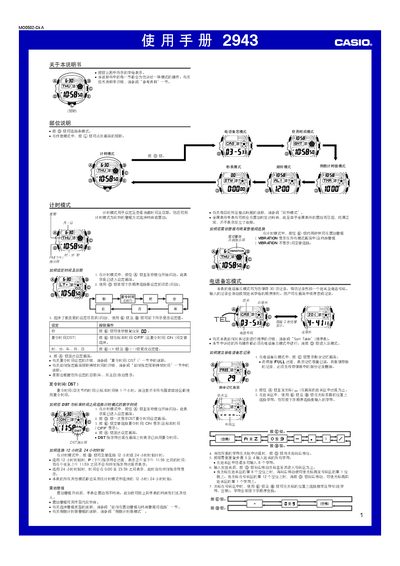
This manual covers all operating modes of the Casio 2943 watch, including Timer mode, Phone Memo mode, World Time mode, Countdown Timer mode, Stopwatch mode and illumination settings. Detailed button sequences are provided for setting time, alarms, DST, and customizing illumination duration.
The guide also includes specifications such as storage capacity for phone records, character limits for names and numbers, and limits for timer and stopwatch functions. Safety notes for automatic illumination and battery life are included. This manual is written in Chinese.
| Phone memo capacity | 30 records |
|---|---|
| Maximum name characters | 8 characters |
| Stopwatch range | 23 h 59 m 59.99 s |
The watch can store up to 30 phone records, each containing a name and a phone number.
When DST is active, a DST indicator appears on the display.
Press the appropriate button in Timer mode to select a duration of either 1.5 seconds or 3 seconds.