
This document provides instructions for using manual 4737-1 MA0606-CkA, including button functions, operation of different modes, setting digital and analog time, and daylight saving time adjustment.
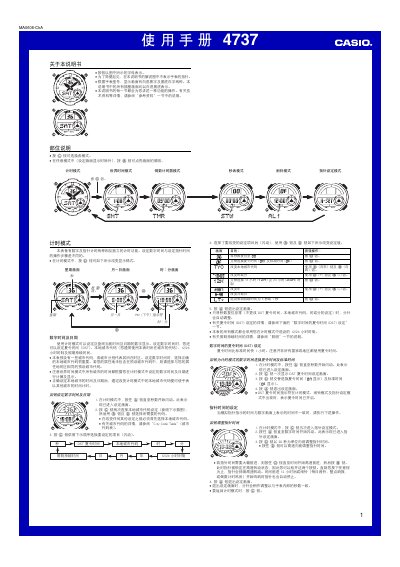
This manual describes the operation of the Casio 4737 digital watch, covering timing mode, world‑time mode, countdown timer, stopwatch, alarm, hand‑setting and lighting functions. Step‑by‑step procedures are provided for setting the date, time, DST, city codes, alarms and automatic illumination.
Technical details such as the LED backlight, battery‑saving features and the range of selectable settings are also explained, helping users get the most out of the watch. This manual is written in Chinese.
| Year setting range | 2000–2039 |
|---|---|
| Illumination type | LED |
| Number of daily alarms | 5 |
| Countdown timer range | 1–60 minutes |
| Stopwatch display limit | 59 min 59.99 s |
| World‑time cities supported | 27 cities (29 time zones) |
In timing mode, hold the A button until the seconds flash, then use the C, B and D buttons to select the city code, date, time, DST and other settings.
Enter alarm mode with the C button, press D to choose the desired alarm, hold A until the hour digits flash, then use C and D to set hour and minute, and press A to confirm.
Enter countdown timer mode with C, hold A until the start time flashes to set a value between 1 and 60 minutes, then press D to start, D again to pause, and A to stop.