
This document is a user manual for Casio watch model 5081. The watch has multiple modes, including alarm mode, countdown timer mode, world time mode, and stopwatch mode. Mode switching and function operations can be performed by pressing different buttons. The watch can also adjust the date and time of the local city and supports daylight saving time settings. In addition, the watch has a stopwatch function that can measure elapsed time, split time, and lap time. The watch displays time in either 12-hour or 24-hour format.
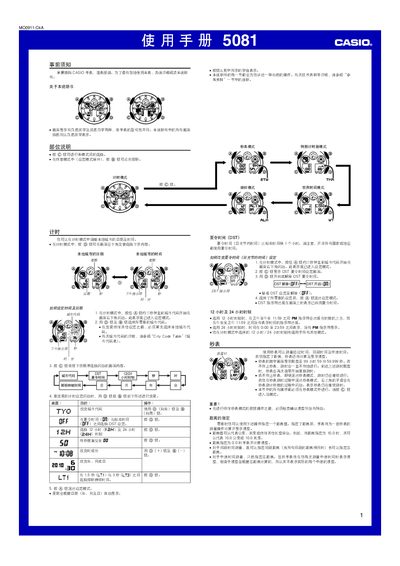
This document is the user manual for the Casio 5081 watch. It details the operation of various modes including the alarm, countdown timer, world time, and stopwatch. The guide explains how to set the time and date, configure alarm settings, and use the stopwatch for measuring elapsed time, split times, and intervals, including speed calculations based on specified distances. It also covers the countdown timer's auto-repeat feature and lighting functions. This manual is written in Chinese.
| Stopwatch Display Limit | 99 hours 59 minutes 59.999 seconds |
|---|---|
| Countdown Range | 1 minute to 24 hours |
| Distance Range | 0.1 to 99.9 |
| Speed Display Range | 0 to 1998 |
Press the C button to switch between modes.
Press the B button in any mode except the setting mode to light up the illumination.
The stopwatch can measure up to 99 hours, 59 minutes, and 59.999 seconds.
Yes, if the auto-repeat function is enabled, the timer will automatically restart from the initial set time when it reaches zero.