
Instruction manual, introduces the functions and usage of the watch.
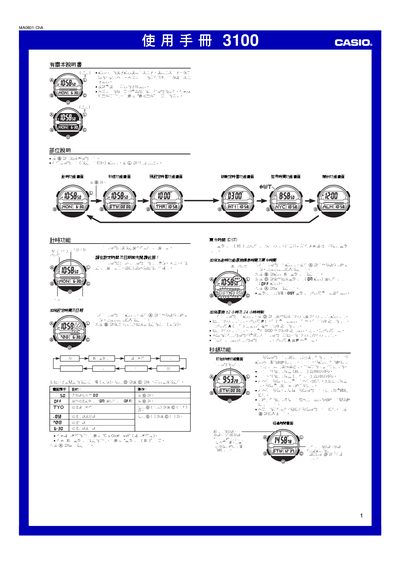
This manual explains how to operate the Casio 3100 watch, covering basic time‑keeping, date setup, and city selection for world time. It also details the use of the LED backlight and button functions.
Additional sections describe the stopwatch, preset timers, countdown timers, alarm settings, and how to switch between 12‑hour and 24‑hour displays. Reference tables for city codes and daylight‑saving time are included. This manual is written in Chinese.
| Illumination | LED backlight |
|---|---|
| Year range | 2000‑2099 |
| Hour format | 12‑hour / 24‑hour selectable |
While on the time‑keeping screen, press the D button to toggle between 12‑hour and 24‑hour formats.