
This document is a manual for Manual 3037 1 MA0606-CkA. The manual provides detailed instructions on the display screen, buttons, timer mode, world time mode, daylight saving time, and other aspects.
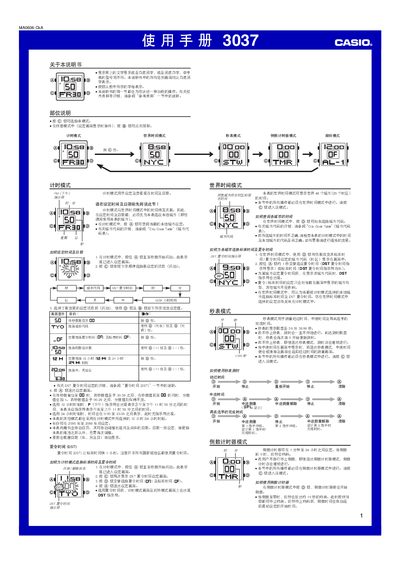
This manual covers all operating modes of the Casio 3037 watch, including time‑setting, world‑time, stopwatch, countdown timer and alarm functions. Detailed step‑by‑step instructions show how to change settings, enable daylight saving time and adjust the EL backlight.
Reference tables such as the City Code Table and specifications for automatic calendar, 5 daily alarms, 12/24‑hour formats and illumination duration are also included. This manual is written in Chinese.
| Automatic calendar | adjusts month length and leap years automatically |
|---|---|
| Number of daily alarms | 5 |
| Backlight type | EL (electroluminescent) panel |
| Illumination duration options | 1.5 seconds or 3 seconds |
Enter Timekeeping mode, hold the A button until the seconds flash, then use the C, D and B buttons to change the hour, minute, month, day and year as described.
Press the B button in any mode (except when a setting screen is displayed) to illuminate the display for the preset duration.