
This document describes the usage and operation steps of model 4314 in the manual 3750/4314(B) 1 MA0508-CkA. The watch has two independent timing functions: digital time and pointer time. It also has modes such as world time, countdown timer, stopwatch, and alarm. By setting the digital time and date, you can choose the local city code and 12/24-hour time format. The watch also supports daylight saving time (DST) setting. The pointer time can be adjusted in the pointer setting mode.
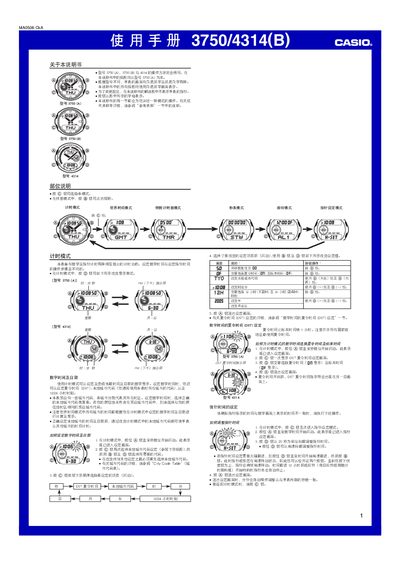
This manual provides operating instructions for Casio digital watch models 3750 (A), 3750 (B), and 4314. These models feature independent digital and analog timekeeping functions, allowing users to set the digital time, date, and analog hands separately.
The watches include several functional modes: Timekeeping, World Time, Countdown Timer, Stopwatch, and Alarm. Key features include daylight saving time (DST) settings, city code selection for global timekeeping, and a countdown timer with auto-repeat and progress beeps. This manual is written in Chinese.
| Stopwatch measurement limit | 59 minutes 59.99 seconds |
|---|---|
| Countdown timer range | 1 to 60 minutes |
In Timekeeping Mode, hold down button A until the seconds start flashing, then use button C to cycle through settings and buttons B and D to adjust values.
When enabled, the timer automatically restarts from the start time after reaching zero, repeating up to eight times before stopping automatically.