
R440 Force Wheel User Manual
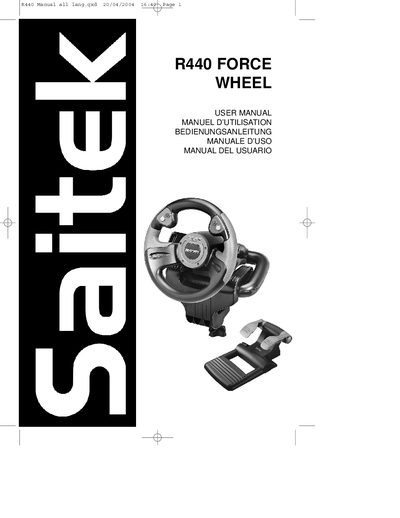
The Saitek R440 Force Wheel is a PC racing controller that uses Immersion® TouchSense™ force‑feedback technology to deliver realistic driving sensations. This manual explains how to assemble the wheel, connect it to power and the computer, and prepare it for use.
It covers driver installation for Windows XP, 2000, 98/ME, programming with Saitek Smart Technology software, troubleshooting tips, technical support contacts, and the two‑year warranty terms.
| Force Feedback Technology | Immersion TouchSense |
|---|---|
| Warranty period | 2 years from date of purchase |
| Manufacturing location | China |
Insert the Saitek Smart Technology CD, run the installation program (DASetup.exe), and follow the Quick install (Drivers Only) steps shown in the manual.
Run the Saitek Smart Technology programming software, open the Profile Editor, assign commands to controls, and save the profile.
The product is covered by a two‑year warranty from the date of purchase, provided the instructions are followed and the unit is not damaged or altered.