
Key facts
- Brand
- Saitek
- Model
- 311TM
- Documents
- 2
- Languages
- EN
- Last added
- 2023-10-16
Start here
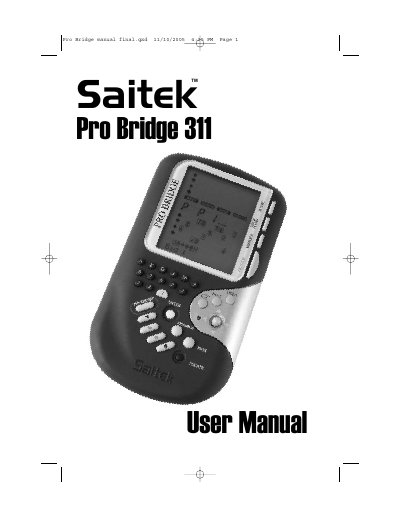
Saitek Pro Bridge 311TM Electronic Bridge Game User Manual
The document serves as a comprehensive guide for users of the Saitek Pro Bridge 311TM. It details how to power on the device using four AAA batteries or an optional AC adapter, navigate the LCD menu system, and utilize various function keys such as GO/STOP, HISTORY, and AUTOPLAY. The manual explains the core mechanics of playing bridge, including bidding procedures, making plays, and interpreting game results for both Rubber Bridge and Team of Four formats.
Read onlineAll Saitek 311TM documents by type
Day-to-day operation, settings and troubleshooting. Start here if the product is already set up.
Questions answered in these manuals
How do I turn the Pro Bridge 311TM on?
Press the GO/STOP button to turn the unit on. The display will show the Main Menu when ready.
From: Saitek Pro Bridge 311TM Electronic Bridge Game User Manual
What happens if I need to reset the unit?
Use a paper clip or sharp object to press down into the hole marked ACL in the base for at least one full second.
From: Saitek Pro Bridge 311TM Electronic Bridge Game User Manual