
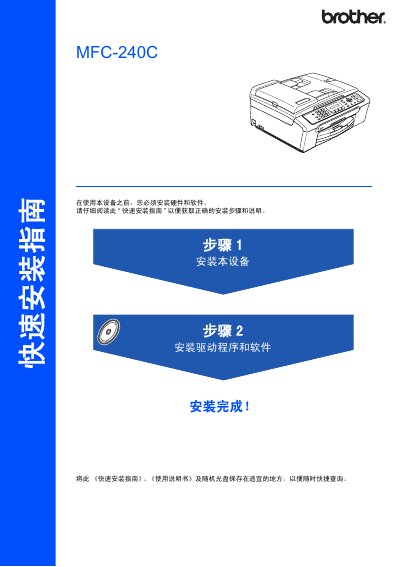
This guide provides the essential instructions for installing the Brother MFC‑240C. It covers safety symbols, required components, and the order of operations for hardware setup, driver installation, and initial configuration.
The manual details how to load paper, connect the telephone line, use a USB 2.0 cable (max 2 m), install drivers for Windows and Mac OS, and adjust display settings. Safety warnings emphasize using a grounded power outlet and avoiding incorrect connections. This manual is written in Chinese.
| USB Interface | USB 2.0 compatible |
|---|---|
| Display | LCD |
| Power Requirement | Standard grounded outlet |
Insert one end of the telephone line into the LINE jack on the device and the other end into a wall telephone socket.
Use a USB 2.0 cable no longer than 2 meters (6 feet).