
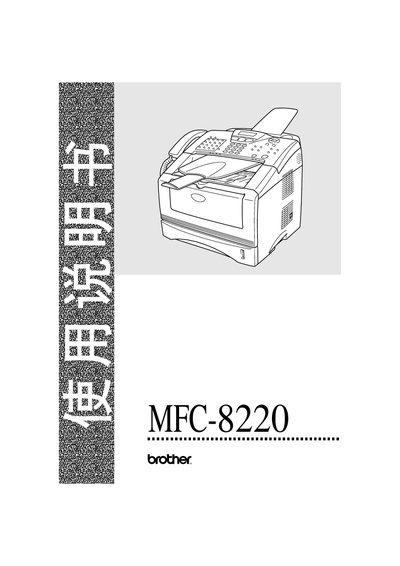
This manual covers the installation, configuration, and daily use of the Brother MFC-8220 multifunction device. It includes safety guidelines, paper handling procedures, and detailed instructions for printing, copying, scanning, and faxing.
The document also provides technical specifications, troubleshooting tips, and information on optional accessories such as external telephone and answer devices. All instructions are presented in English with reference to the device’s control panel and menu system.
| Laser class | Class 3B |
|---|---|
| Laser wavelength | 760‑810 nm |
| Laser output power | Maximum 5 mW |
| Operating temperature range | 10 °C to 32.5 °C |
| Supported paper weight | 60‑161 g/m² |
| Supported paper size range | Width 69.8‑220 mm, Length 116‑406.4 mm |
| Paper capacity (standard tray) | 250 sheets (80 g/m²) |
| Supported media types | Plain paper, recycled paper, transparent film, envelopes, labels |
The device should be used in an environment where the temperature is between 10 °C and 32.5 °C.
Supported paper widths are 69.8‑220 mm and lengths are 116‑406.4 mm, covering sizes such as A4, Letter, Legal, B5, Executive, A5, A6, and B6.
The main tray can hold up to 250 sheets of 80 g/m² paper.