
Brother MFC-640CW user manual, including information on the safe use of the device, installation location, quick reference guide, etc.
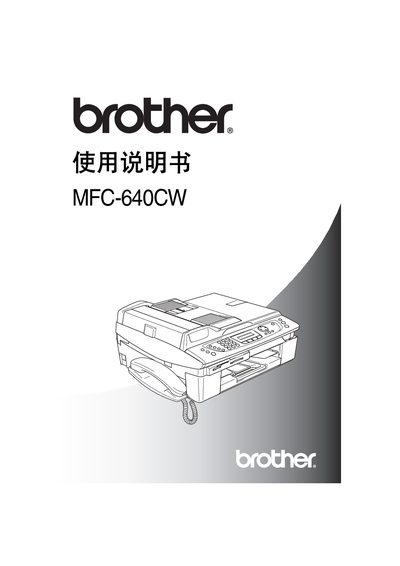
The Brother MFC-640CW is a multi-function printer designed for use with two-wire analog PSTN lines. This manual provides essential instructions for the setup, safety, and basic operation of the device.
Key operational guidance includes quick reference steps for sending faxes, making copies, and managing remote access settings. The document also emphasizes the use of genuine Brother ink cartridges for optimal performance. This manual is written in Chinese.
| Operating Temperature | 10°C to 35°C |
|---|
It is recommended to use genuine Brother ink cartridges to achieve the best results.
It is designed for use on two-wire analog PSTN lines.
Unplug the telephone line, then unplug the power cord from the outlet.
It must be installed near an easily accessible power outlet.