
This document is a user manual for a DVD projector. The projector features Dolby Digital technology, WMA, MP3 decoding technology, and Macrovision's copyright protection technology.
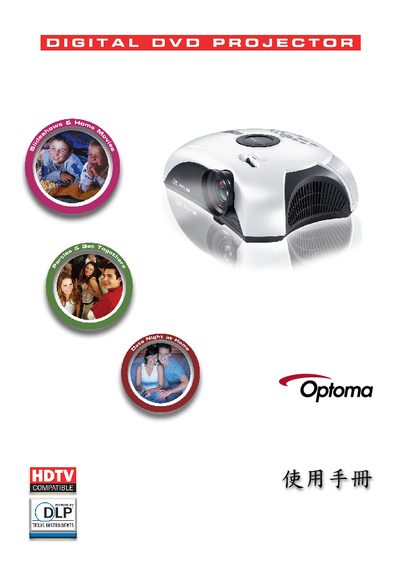
This manual covers the Optoma DVD projector, a single-chip DLP projector with a built-in DVD player. It describes safety precautions, package contents, controls, connections, on-screen menus, picture and audio settings, and supported media and formats.
It also includes troubleshooting guidance, lamp replacement instructions, technical specifications, and service contact information for the projector. This manual is written in Chinese.
| Color wheel | 4-segment RGBW |
|---|---|
| Built-in speakers | 5 W x 2 stereo |
| Video compatibility | NTSC/PAL/SECAM, S-video, composite, HDTV (480i/p, 576i/p, 720p, 1080i) |
| Computer signal compatibility | SXGA, XGA compression; SVGA, VGA resizing |
| DVD image transfer | Full digital image transfer without analog-to-digital conversion loss |
| Supported discs | DVD, DVD-R, DVD+R, DVD-RW, DVD+RW, CD-R, CD-RW |
| Supported formats | DVD, VCD, Audio CD, MP3, WMA, JPEG |
It supports DVD, DVD-R, DVD+R, DVD-RW, DVD+RW, CD-R and CD-RW discs, and DVD, VCD, Audio CD, MP3, WMA and JPEG formats.
Video compatibility includes NTSC/PAL/SECAM, S-video, composite and HDTV formats; computer compatibility includes SXGA, XGA compression and SVGA/VGA resizing.
Let the product cool first, then follow the lamp replacement instructions.
The projector detects lamp life and displays a warning when the lamp is near end of life; the lamp must be replaced.